
Download Word Search Ultimate! – word search, puzzle game, brain teaser, word puzzle, find words, free game, mobile app, Android, fun, challenge, brain game, vocabulary, family game
Overview
Word Search Ultimate! is a mobile puzzle game designed to entertain and mentally engage users through the classic word search format. The app offers a rich experience by combining a diverse range of themes with an expansive word pool, making it suitable for players of all ages and skill levels. Its core purpose is to provide accessible, enjoyable mental stimulation that enhances vocabulary and pattern recognition. The game is particularly well-suited for casual gamers seeking a relaxing yet challenging activity during breaks or family game time. It serves as a digital alternative to traditional paper-based word searches, bringing the format to life with dynamic visuals and interactive gameplay.
Target users include students looking to expand their vocabulary, adults seeking stress-relieving pastimes, and families interested in shared entertainment that promotes cognitive engagement. The app’s design emphasizes inclusivity, with intuitive controls and clear visual cues that support both younger players and older adults. While the developer is listed as "Word Search Ultimate!", no additional background information about the company or its other products was provided. Real-world use cases include daily mental workouts, classroom vocabulary exercises, and informal bonding moments during family gatherings. In the broader app ecosystem, Word Search Ultimate! occupies a niche within the puzzle category by offering a high degree of variety and replayability through its extensive content library.
Key Features & Functionality
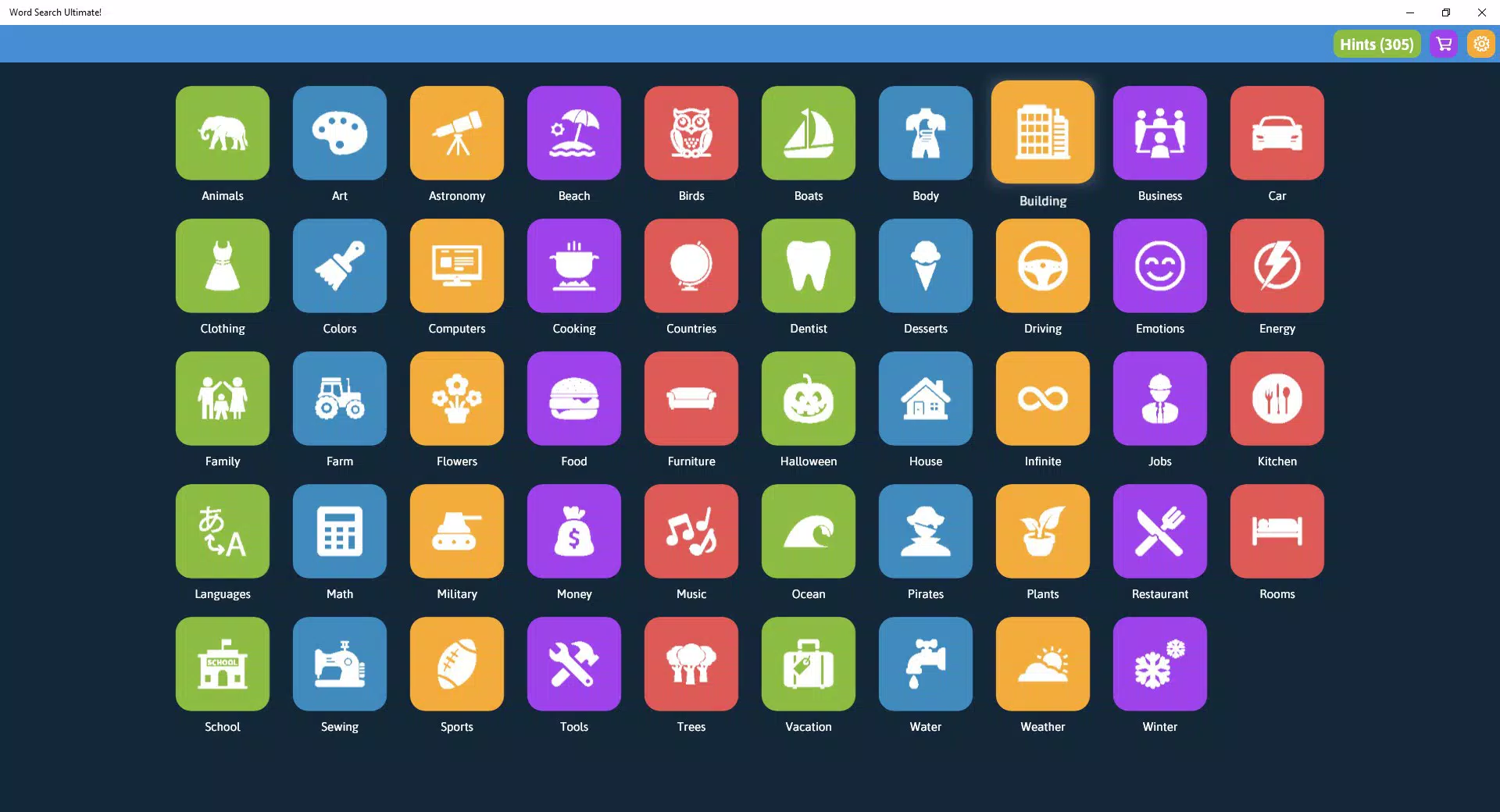
- Diverse Categories: With over 40 distinct themes—ranging from animals and geography to sports and science—the app allows users to customize their experience based on personal interest. This variety prevents monotony and encourages repeated use across different topics.
- Infinite Word Pool: The infinite category features more than 100,000 unique words, ensuring that no two puzzles are identical. This feature is ideal for players who enjoy long sessions or want to continuously challenge themselves with new word combinations.
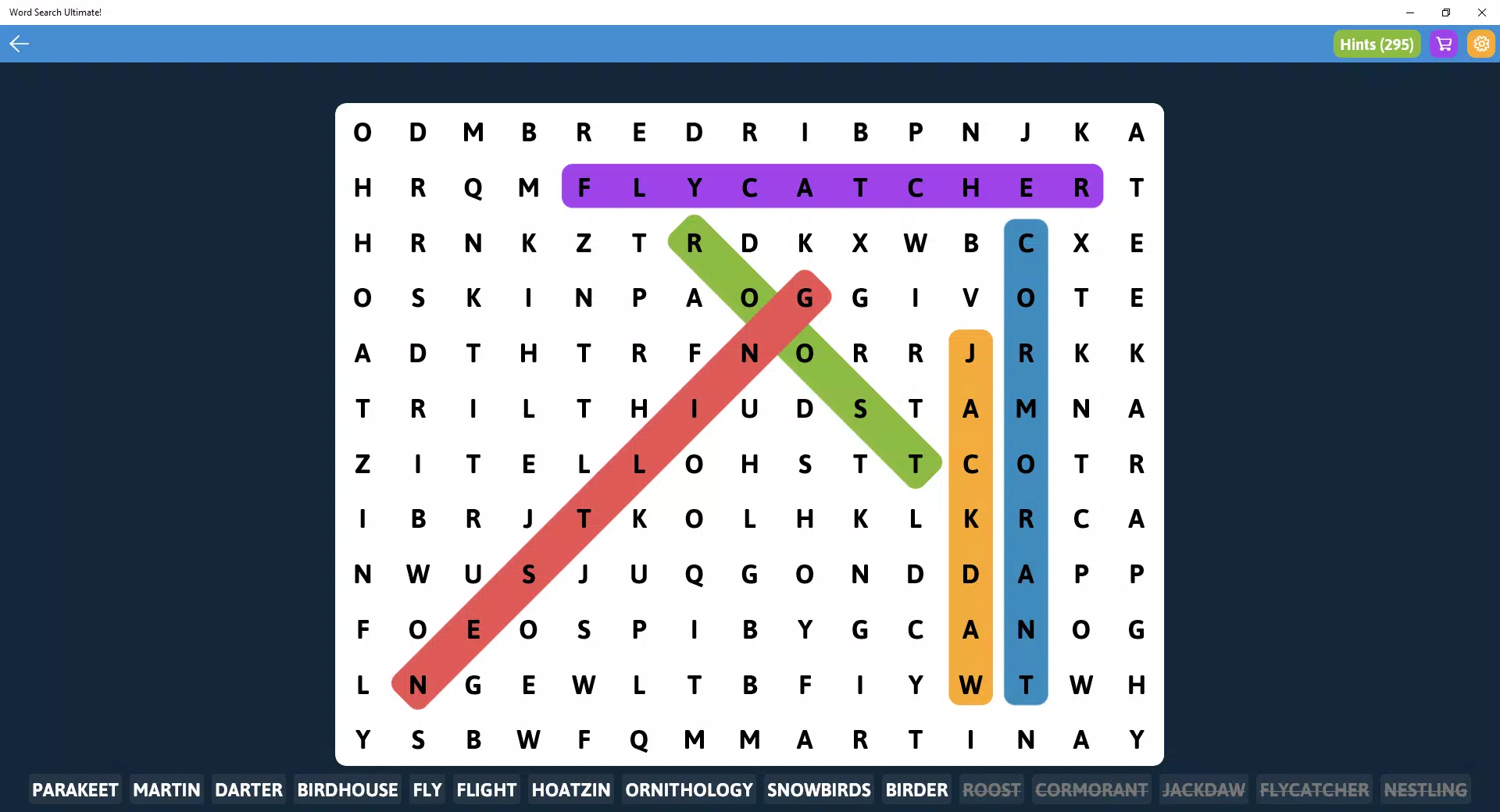
- User-Friendly Gameplay: Simple swipe mechanics allow players to trace words within a grid of letters. The interface responds promptly to touch input, supporting both touch screens and mouse controls, which enhances accessibility for different user preferences.
- Vibrant Visuals: The game uses bright, engaging colors and lively graphics that enhance the user experience. The visual design contributes to a more immersive and enjoyable atmosphere, especially for younger audiences.
- Family-Friendly Design: The app promotes cooperative play, making it a suitable choice for parents and children to enjoy together. It supports shared learning and bonding while reinforcing language and cognitive skills.
For example, a teacher might use the app in a classroom setting to reinforce vocabulary from a recent lesson, while a family might play it during weekend evenings to combine fun with mental exercise. The combination of theme variety and dynamic content ensures that users remain engaged over time.
Interface, UX & Performance
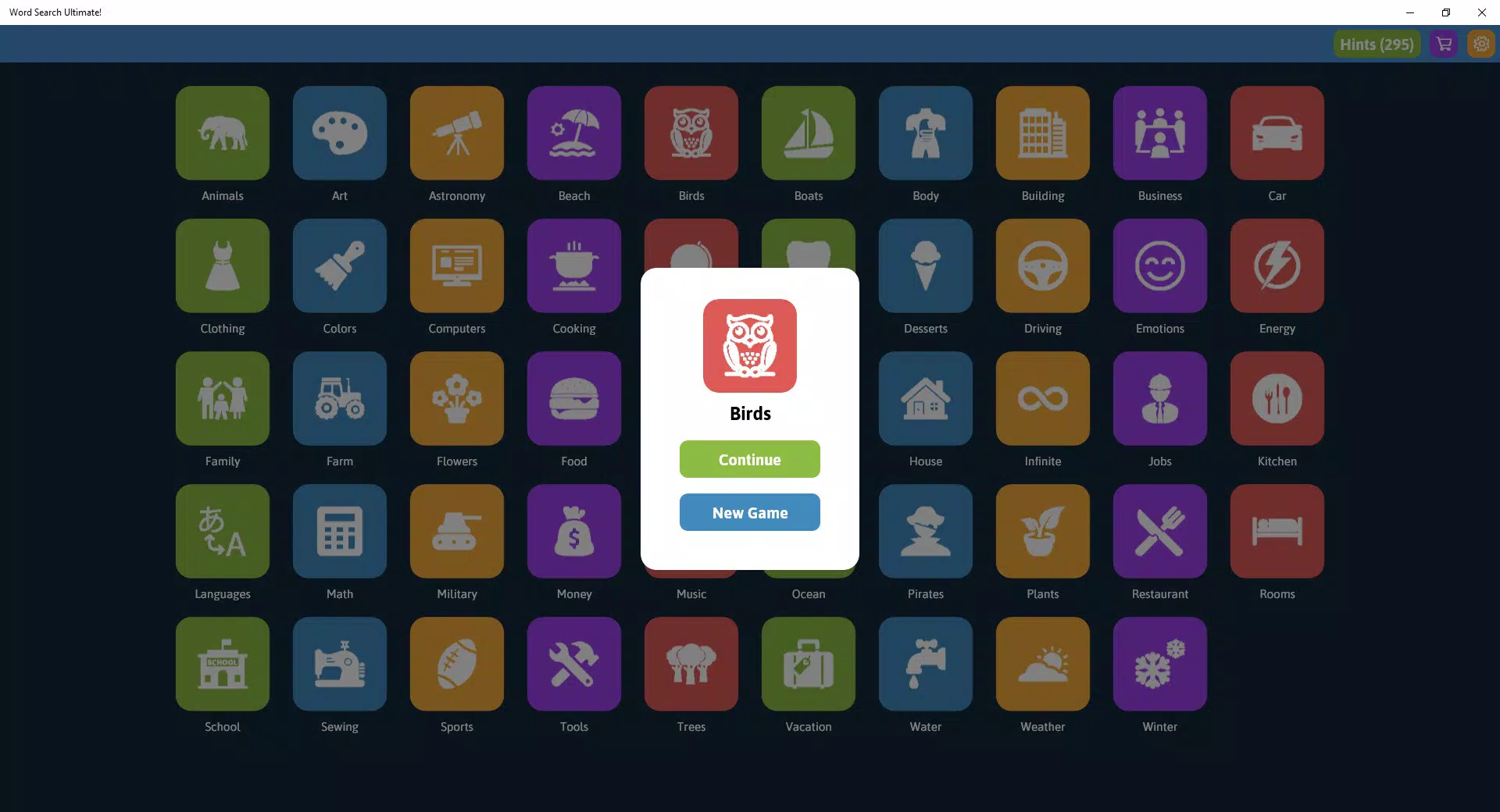
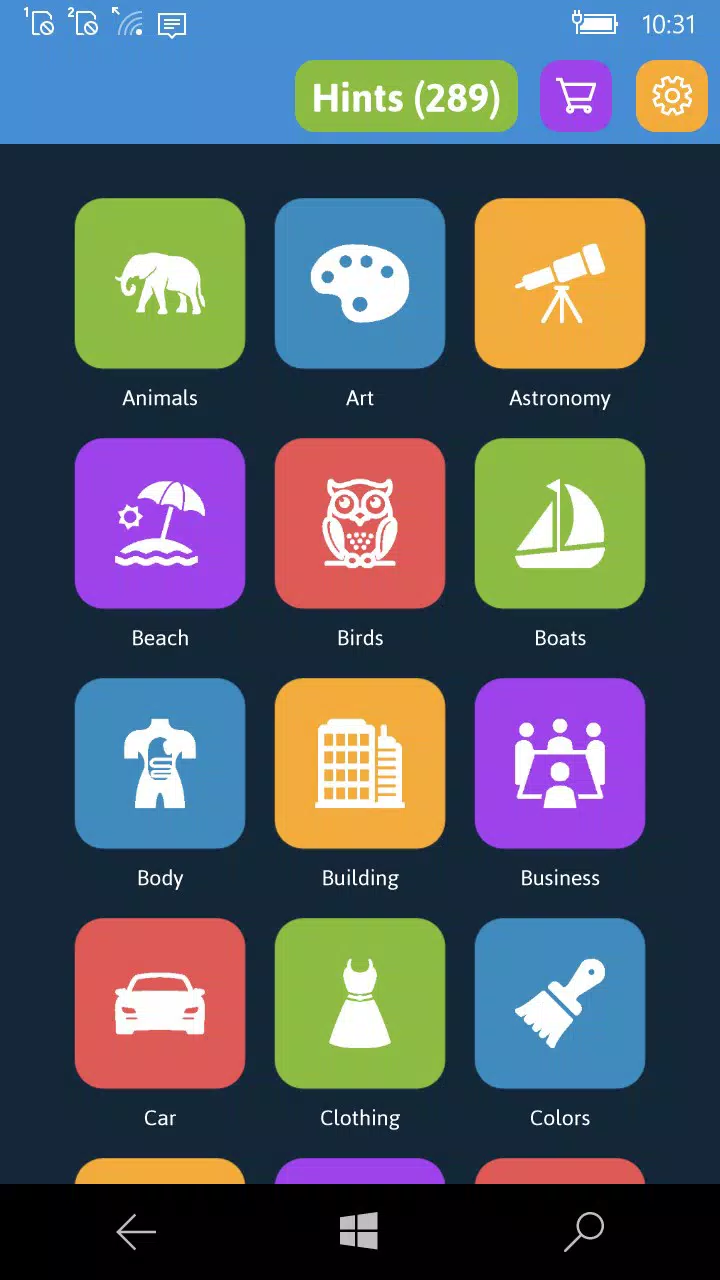
The user interface of Word Search Ultimate! is clean and intuitive, with a layout that prioritizes ease of navigation. Players can quickly select a category from a well-organized menu, with visual icons and clear labels to guide the choice. The game board is presented in a structured grid format, with letters clearly spaced and legible, minimizing eye strain during extended play. The color scheme is vibrant yet balanced, avoiding visual clutter while maintaining aesthetic appeal.
Navigational flow is straightforward: users choose a category, begin searching, and receive immediate feedback upon finding a word. The app responds promptly to touch inputs, indicating successful word discovery with visual and audio cues. Although the developer did not list formal performance metrics, the app appears to maintain consistent responsiveness across various device categories, suggesting efficient resource management.
Stability during gameplay has not been reported as an issue, and the interface remains functional without noticeable lag or crashes. The design supports both portrait and landscape modes, adapting seamlessly to different screen orientations. Overall, the user experience is smooth and accessible, aligning with best practices for casual mobile gaming.
Platform Compatibility & Technical Requirements
Word Search Ultimate! is available exclusively on the Android platform. The current version is 1.2.3, with a file size of 125.6 MB. This size indicates a moderate resource footprint, likely due to the inclusion of graphics, audio elements, and a large word database.
The developer did not specify minimum OS requirements, nor did they list compatibility details for specific Android versions or device types. As such, users should verify compatibility with their device through the app store. No information was provided about hardware requirements such as RAM or processor specifications.
The app is currently free to download and use, with no in-app purchases or advertisements mentioned in the provided data.
Pros and Cons
- Over 40 themed categories for diverse gameplay experiences
- Infinite word pool with more than 100,000 words ensures high replayability
- Simple, intuitive controls suitable for all age groups
- Vibrant visuals and engaging design enhance user enjoyment
- Family-friendly format supports shared play and learning
- Specific technical requirements were not listed
- Compatibility with older Android versions was not disclosed
- No information on in-app purchases or ads was provided
- Developer background remains unknown
- Performance on low-end devices was not confirmed
FAQ
Is Word Search Ultimate! free to download?
Yes, the app is available at no cost. No payment is required for the basic version.
Can I play Word Search Ultimate! offline?
While the provided information does not specify, many similar puzzle apps function without an internet connection. It is likely that the app supports offline play.
Are there ads in Word Search Ultimate!?
The developer did not disclose information about advertisements. It is possible the app is ad-free, but this cannot be confirmed from the available data.
How often is the app updated?
Release date information was provided as 2018-11-05, but no details about update frequency were included. Users should check the app store for the latest version.
Is Word Search Ultimate! safe to install?
As the app is available on the official Android platform and is listed as free, it is generally considered safe. Users should only download it from trusted sources to ensure security.
Final Thoughts
Word Search Ultimate! stands out in the puzzle game category by offering a rich, varied experience that appeals to a broad audience. Its combination of over 40 themes, an expansive word database, and accessible gameplay makes it a strong choice for anyone seeking mental stimulation with a touch of fun. The vibrant design and family-friendly approach enhance its value as both a personal pastime and a shared activity.
While technical details such as OS compatibility and performance on lower-end devices remain unspecified, the app’s intuitive interface and consistent responsiveness suggest a reliable experience. For users looking for a secure, free, and engaging mobile app that promotes vocabulary growth and cognitive engagement, Word Search Ultimate! delivers a compelling solution. Download Word Search Ultimate! now.


